
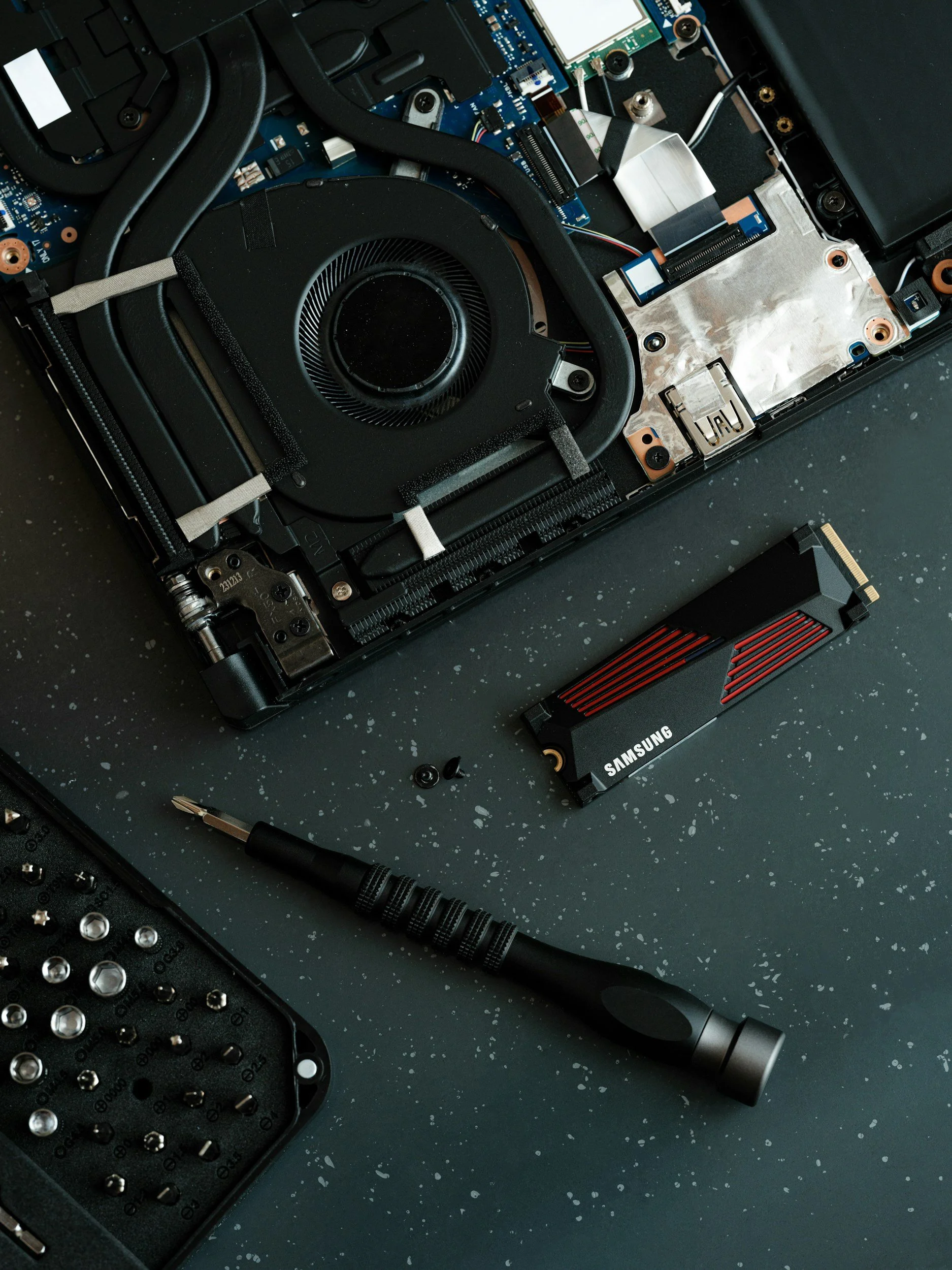
Most computers that feel "slow" aren't actually old — they're just running on outdated storage technology. A traditional spinning hard drive (HDD) was the standard for decades, but compared to a modern Solid State Drive (SSD), it's like comparing a bicycle to a car. No moving parts, dramatically faster read/write speeds, and near-instant boot times.
The good news: swapping in an SSD is one of the most affordable and impactful upgrades you can make. But first, here are the five clearest signs that yours is overdue.
The 5 signs to watch for
-
1Your computer takes more than 30 seconds to boot Modern computers with SSDs should be ready in under 15 seconds. If you're walking away to get coffee while yours starts up, that's a hard drive problem — not a "old computer" problem.
-
2You see a spinning wheel or hourglass constantly That spinning loading icon means your computer is waiting on storage to catch up. If it appears regularly — when opening apps, switching tabs, or saving files — your drive is the bottleneck.
-
3Apps take forever to open Microsoft Word should open in a second or two. If it takes 15–20 seconds, or if your browser takes a noticeable beat to launch, that lag is almost certainly storage-related, not processor-related.
-
4You can hear your computer working SSDs make no sound — they have no moving parts. If you hear clicking, grinding, or whirring coming from your machine during normal use, that's your spinning hard drive working hard. It may also be a warning sign the drive is starting to fail.
-
5Your computer freezes when doing simple tasks Random freezes during browsing, document editing, or even just moving files are classic signs of a drive that can't keep up. This gets worse over time as the drive ages and accumulates wear.
What does an SSD upgrade actually involve?
The process involves cloning your existing drive's data to the new SSD, physically swapping the drives, and confirming everything boots correctly. On most laptops and desktops this takes under two hours, and you keep all your files, settings, and programs — nothing is lost. Prices for a quality SSD range from about $60 to $120 depending on storage size, making it one of the most cost-effective upgrades available.
Is your computer worth upgrading?
Not every machine makes sense to upgrade. If your computer is more than 8–10 years old, has a processor that's severely outdated, or needs other repairs as well, it might be more economical to replace it. The honest answer depends on the specific machine — which is why a quick assessment before any work is always the right first step.